Step 1: Click Manage Dropdown
To begin managing your videos, choose the three line menu on the video you would like to manage or delete.

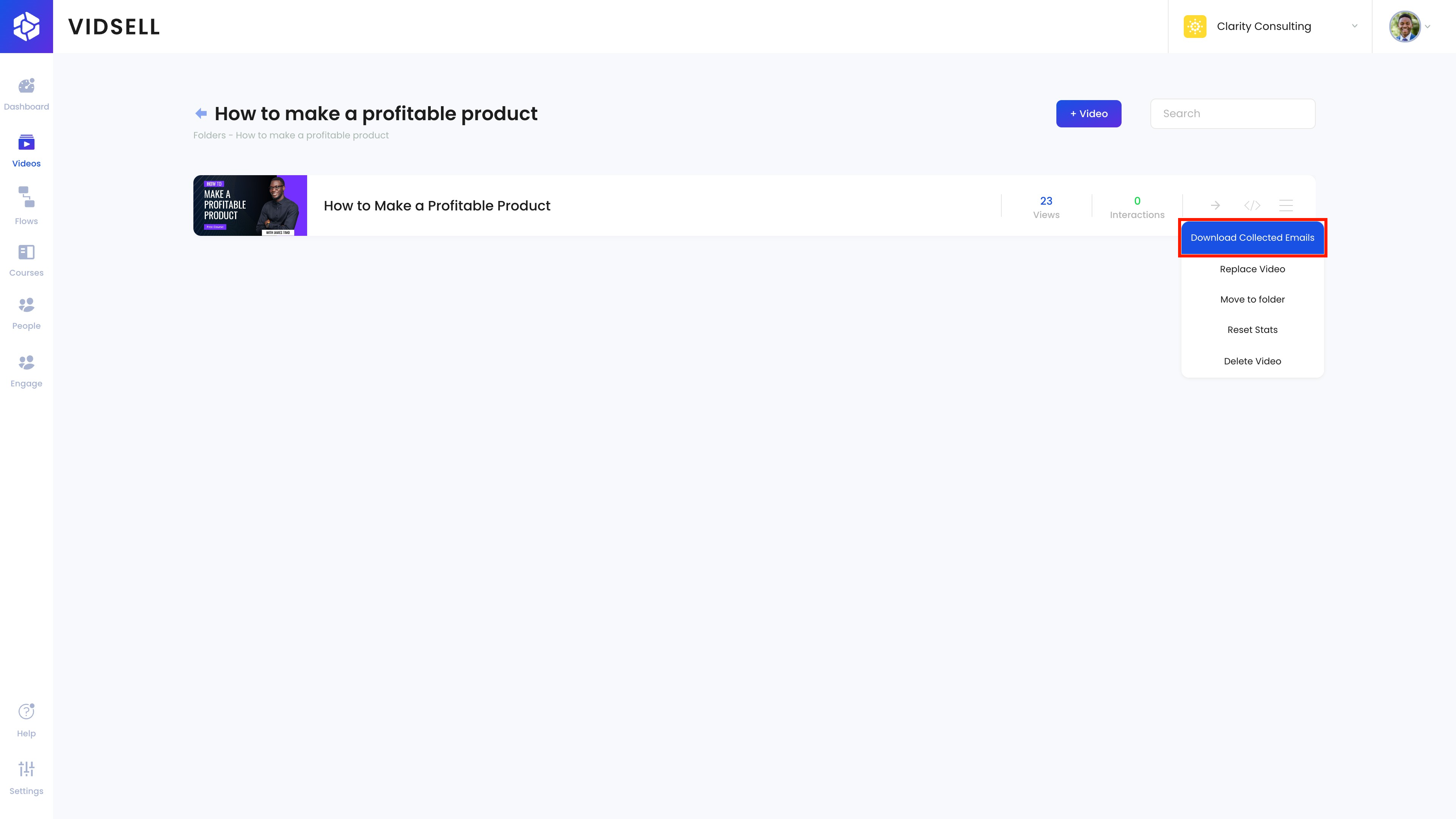
Step 2: Download Collected Emails
The first option gives you the ability to download a CSV file of all of the emails that you have captured from this video using the in-video email capture form feature.
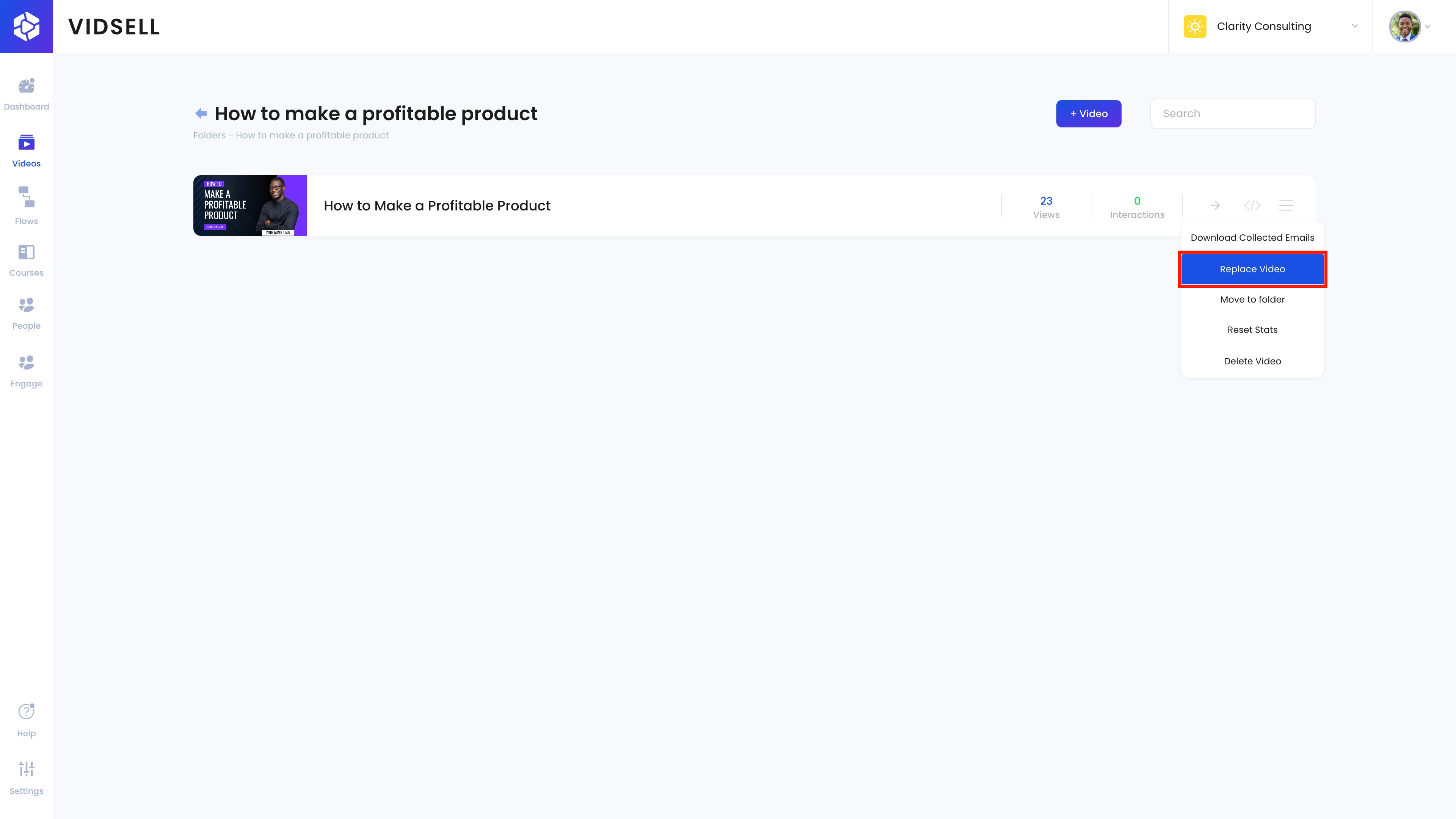
Step 3: Replace Video
Clicking 'Replace Video' allows you to swap out the video you have uploaded for a different video.
This can be useful if you uploaded the wrong version, or if you simply would like to change the video altogether without deleting it.
Step 4: Replace Video Options
When you choose to replace your video, you can change any of the options inside the menu including:
- Video Name
- Video Type (YouTube, Vimeo, or Direct URL)
- Video Link

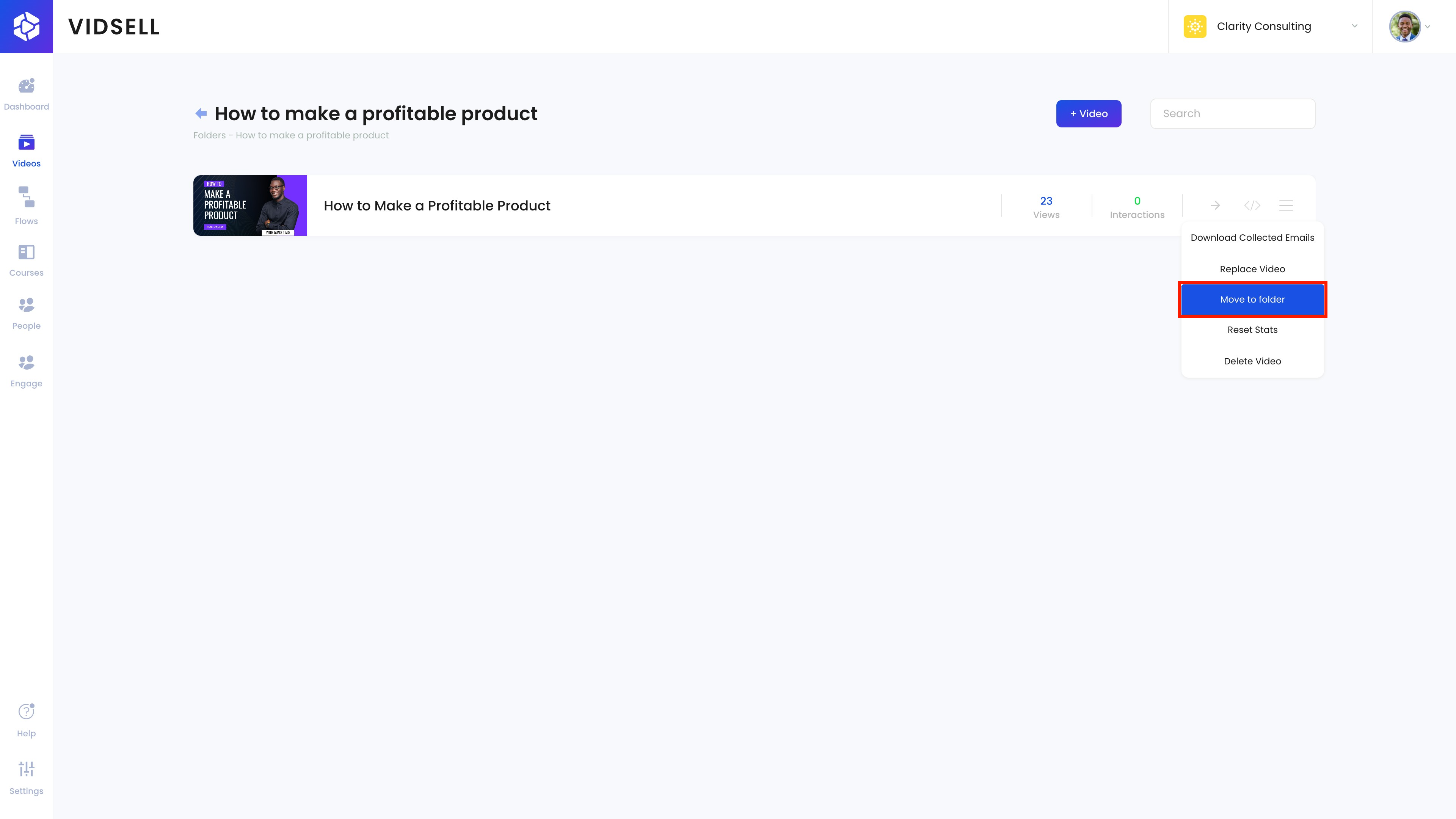
Step 5: Move to Folder
The next option allows you to move the video to any of the folders you have created inside of your videos area.
Step 6: Choose Your Folder
From the dropdown menu, choose the folder you would like to move your video to.

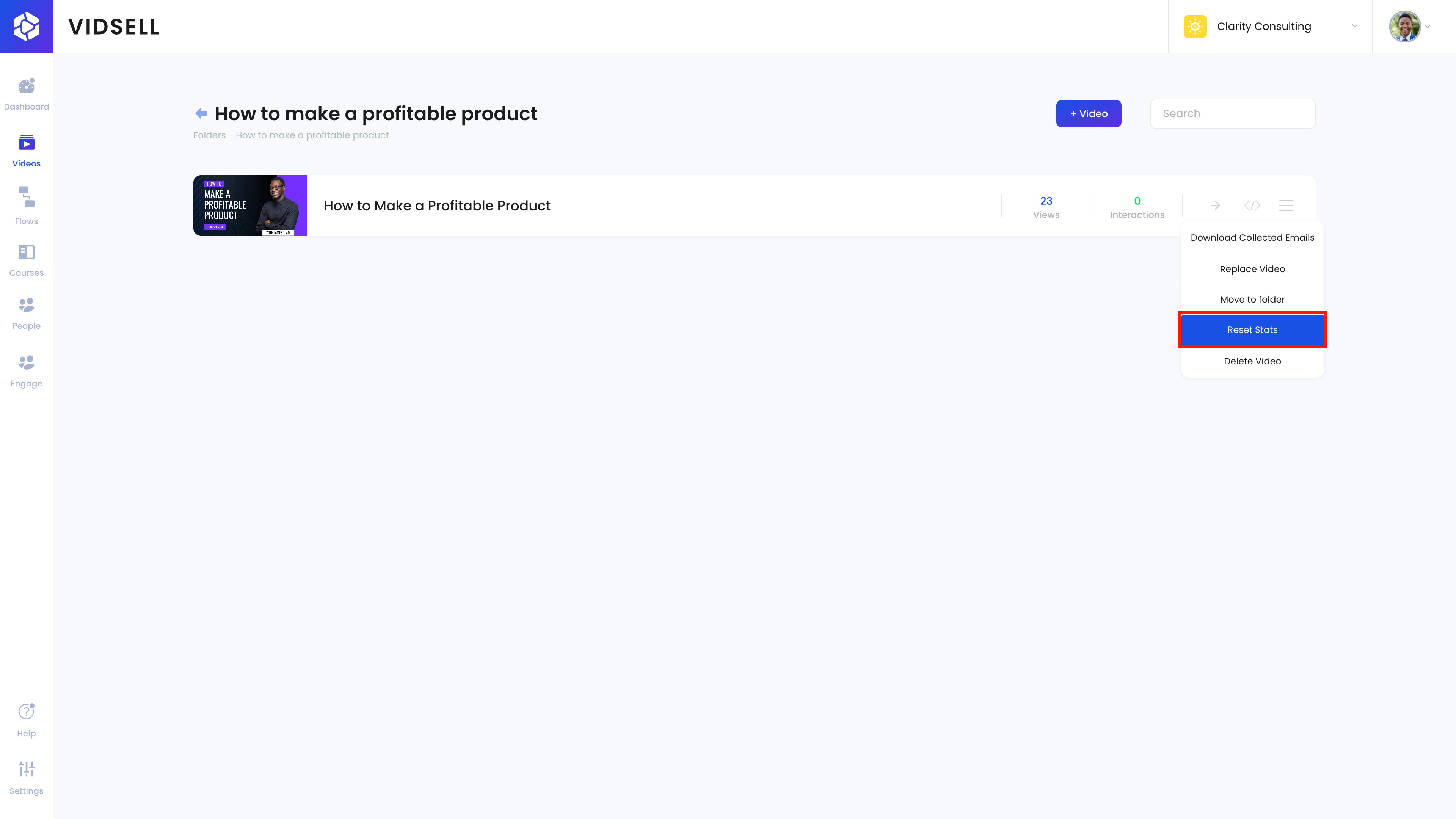
Step 7: Reset Stats
Resetting your stats will clear out any views and interactions counted inside of VidSell.
This can be useful if you are testing your video before releasing it publicly and would not like your test interactions tracked, or for other marketing purposes where you would like to reset your stats.
Step 8: Confirm the Reset Action
Because resetting your stats is a permanent change, a confirmation is added for an extra layer of protection of your data.

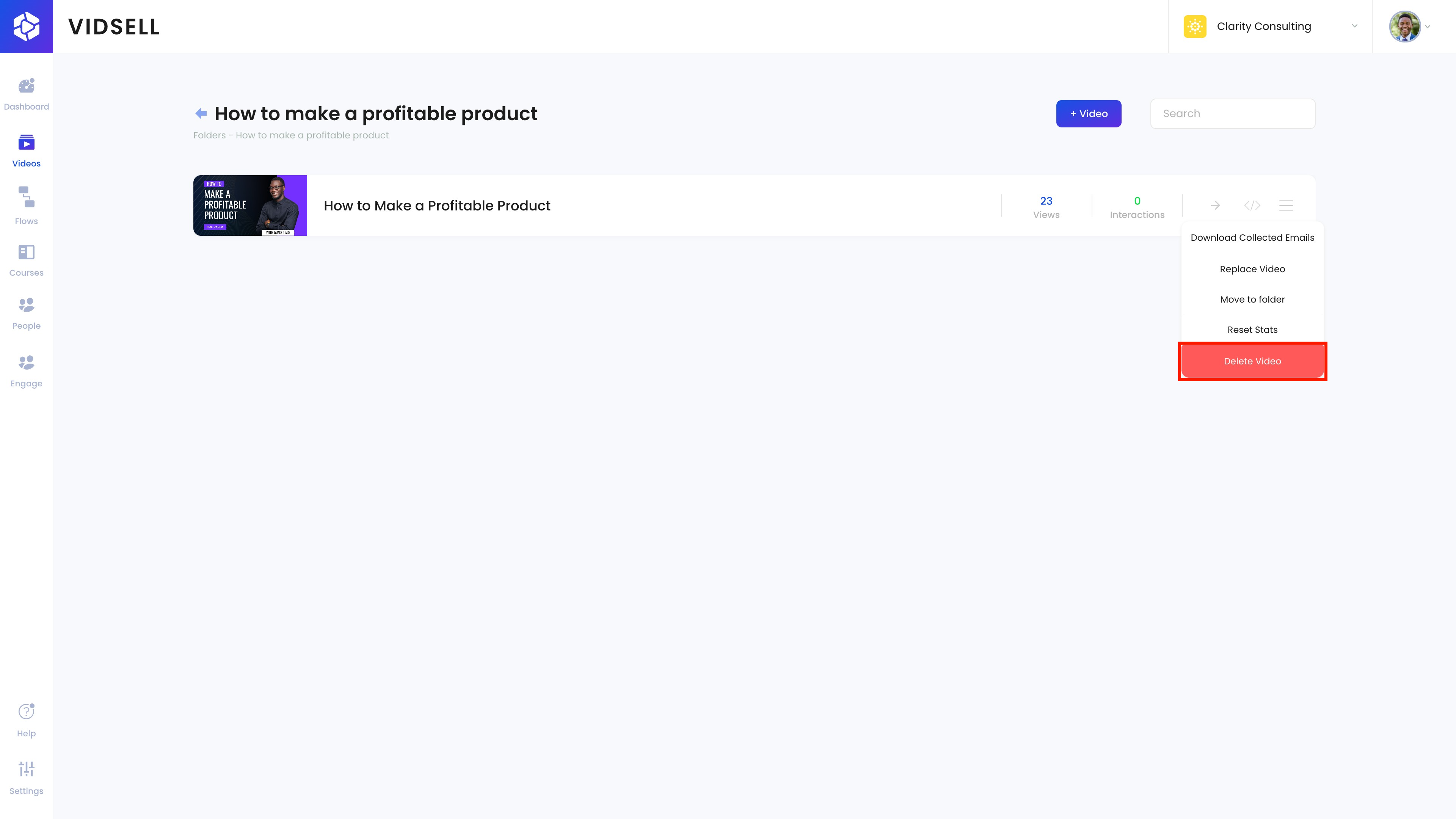
Step 9: Delete Video
Click Delete Video button to delete your video.
Step 10: Confirm deletion
Confirm that you would like to delete your video. This will remove your video from any associated courses, flows, or communities, as well as where your video is being used online through the VidSell embed code.
